
Written by Jill in Best AI Tools & Practical Guides

What We Look For
A great calendar should be easy to use, flexible, reliable, and available across your devices. We also look at sharing features, integrations, multiple views, and smart scheduling tools.
1. Google Calendar — Best Free Option
Best for: Personal and professional scheduling.
Google Calendar is simple, reliable, and works especially well with Gmail, Google Meet, and Google Workspace. You can create multiple calendars, invite people, share schedules, and switch between different views.
Why choose it: Free, familiar, and easy to use.
2. Microsoft Outlook Calendar — Best for Microsoft Users
Best for: Teams and businesses using Microsoft 365.
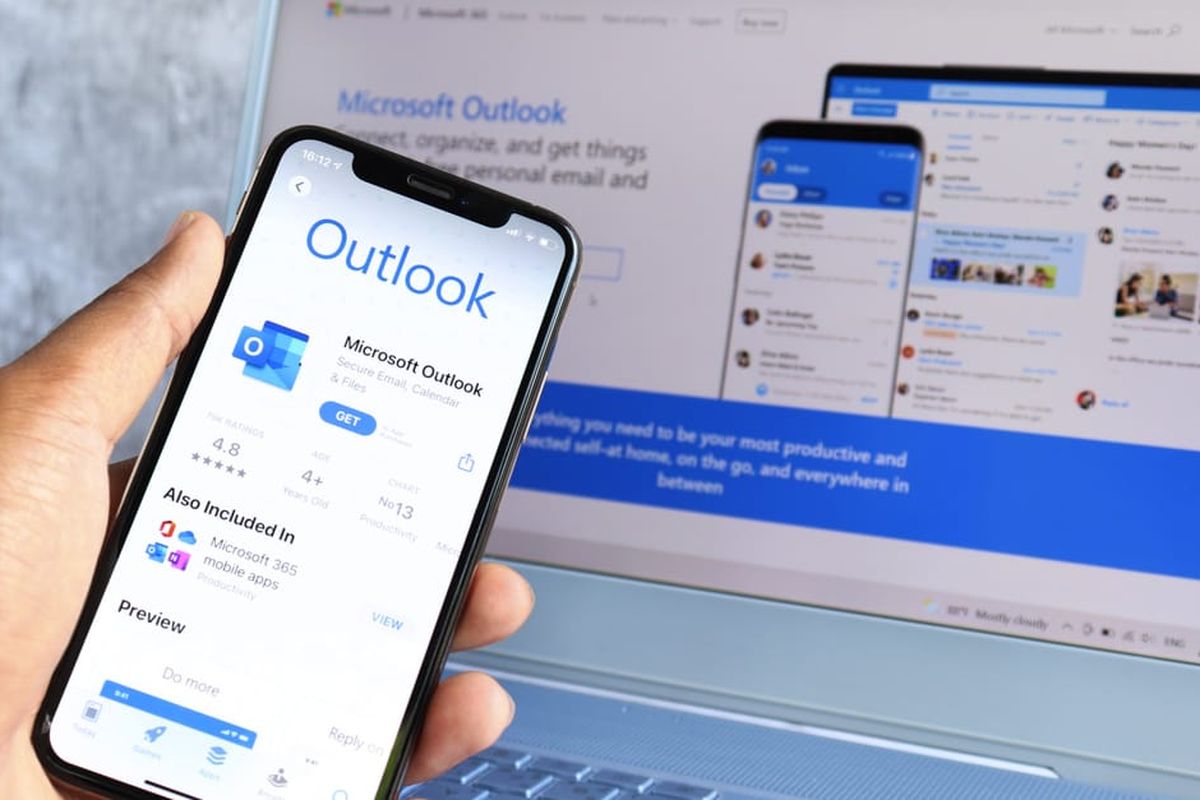
If your work life runs on Outlook, Teams, and Microsoft 365, Outlook Calendar is the obvious choice. It comes integrated with:
Outlook combines email, calendar, contacts, and meetings in one place. Its scheduling tools make it easy to find meeting times and coordinate with colleagues.
Why choose it: Excellent Microsoft 365 integration.
3. Calendar.com — Best for External Meetings
Best for: People who often schedule meetings with clients, students, or anyone outside their organization.
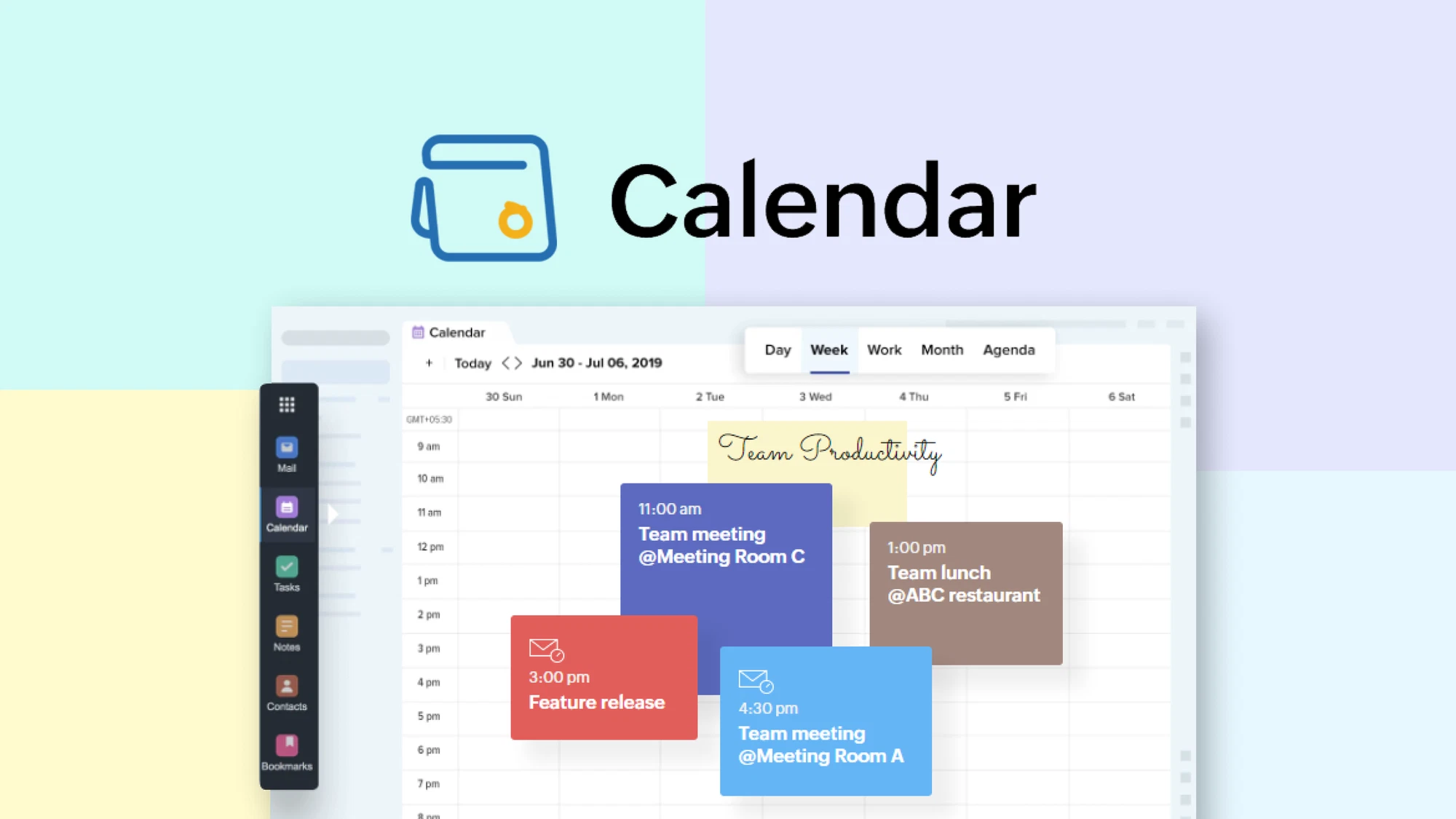
Calendar.com combines a regular calendar with a booking page. Share your availability and let others choose a convenient time without endless email exchanges.
Why choose it: Simple meeting scheduling and booking.
4. Apple Calendar — Best for Apple Users
Best for: iPhone, iPad, and Mac users.
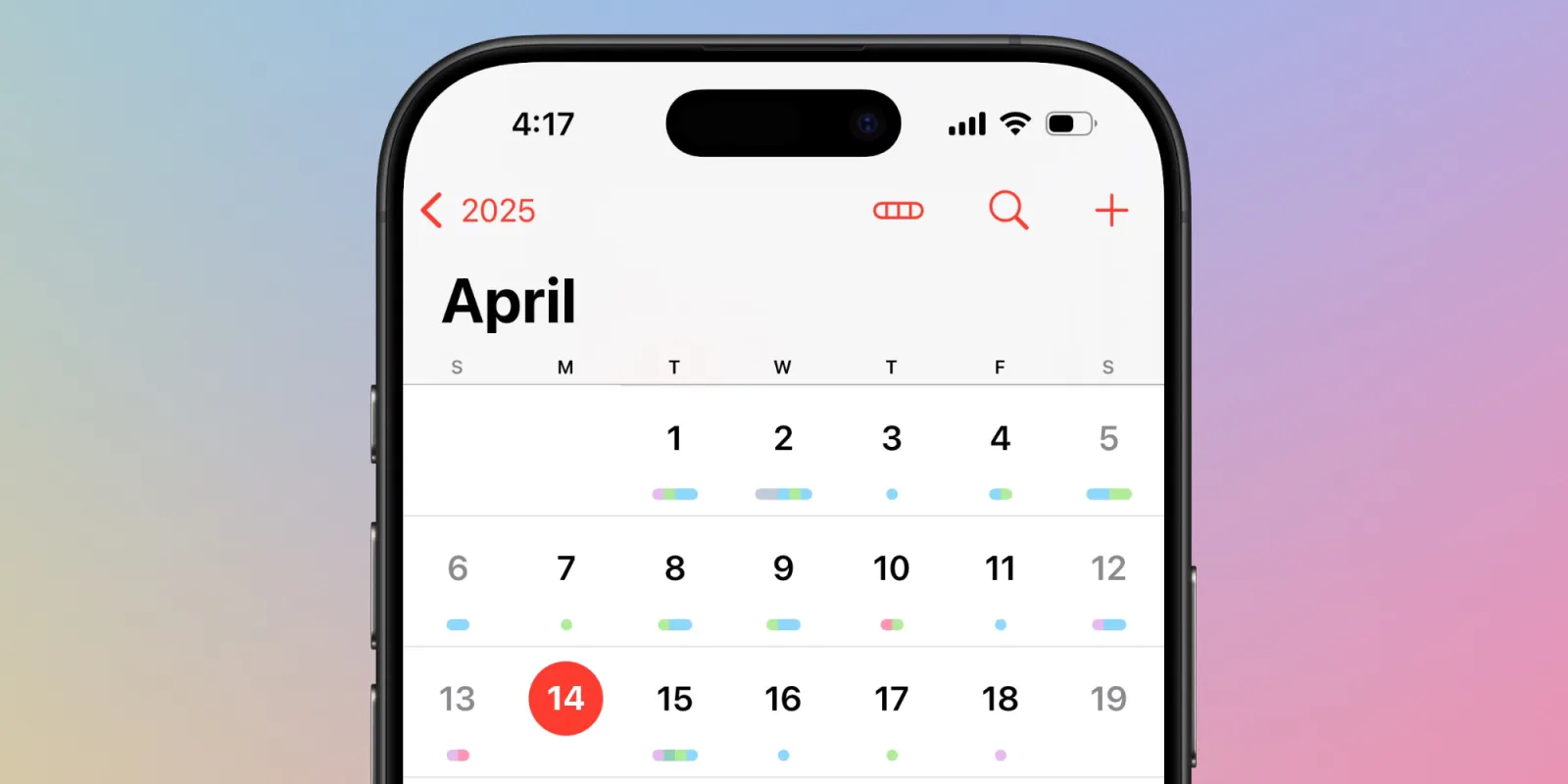
Apple Calendar offers a clean, simple experience with iCloud synchronization. It can also connect with Google and Exchange calendars.
BWhy choose it: Simple and well integrated with Apple devices.
5. Fantastical — Best Design
Best for: Users who want a polished, powerful calendar.
Fantastical offers natural-language event creation, multiple calendar integrations, and a beautifully designed interface. It’s especially useful for managing busy schedules.
Why choose it: Great design and advanced features.
6. Morgen — Best AI Calendar

Best for: People who want smarter planning.
Morgen combines calendars, tasks, and time- blocking with AI-powered planning. It helps turn tasks into realistic blocks of time and adjust your schedule when plans change.
Why choose it: Great for AI-assisted scheduling and productivity.
How to Choose
- Google user: Google Calendar
- Microsoft 365 user: Outlook
Calendar
- Frequent external meetings:
Calendar.com
- Apple user: Apple Calendar
- Design and advanced features: Fantastical
- AI planning: Morgen
The best calendar is the one that fits your workflow. Choose the right tool, organize your schedule, and make your time easier to manage.
The idea: instead of a to-do list that never ends, you get a realistic schedule for your day and week. Morgen becomes your “AI scheduling brain,” helping you decide when you’ll do what, not just what needs to be done.
It’s especially appealing if you love time-blocking or have a lot of tasks competing for your attention and want help turning plans into a concrete schedule.
How to choose the right calendar for you
You don’t need the “perfect” app. You need the one that fits how you work and live. A few quick questions to help you decide:
- What ecosystem are you in most of the day?
- Google → Start with Google Calendar
- Microsoft → Try Outlook Calendar
- Apple → Begin with Apple Calendar, upgrade to
Fantastical if you want more
- Google → Start with Google Calendar
- Do you book a lot of meetings with people outside your
company?
- Look at Calendar.com
- Look at Calendar.com
- Do you want help planning your time, not just storing
events?
- Explore Morgen for AI scheduling and time-blocking
Whatever you choose, your calendar should feel like a partner, not a punishment. Once it’s set up right, it stops being “just a tool” and becomes your quiet, reliable system for keeping work and life under control.